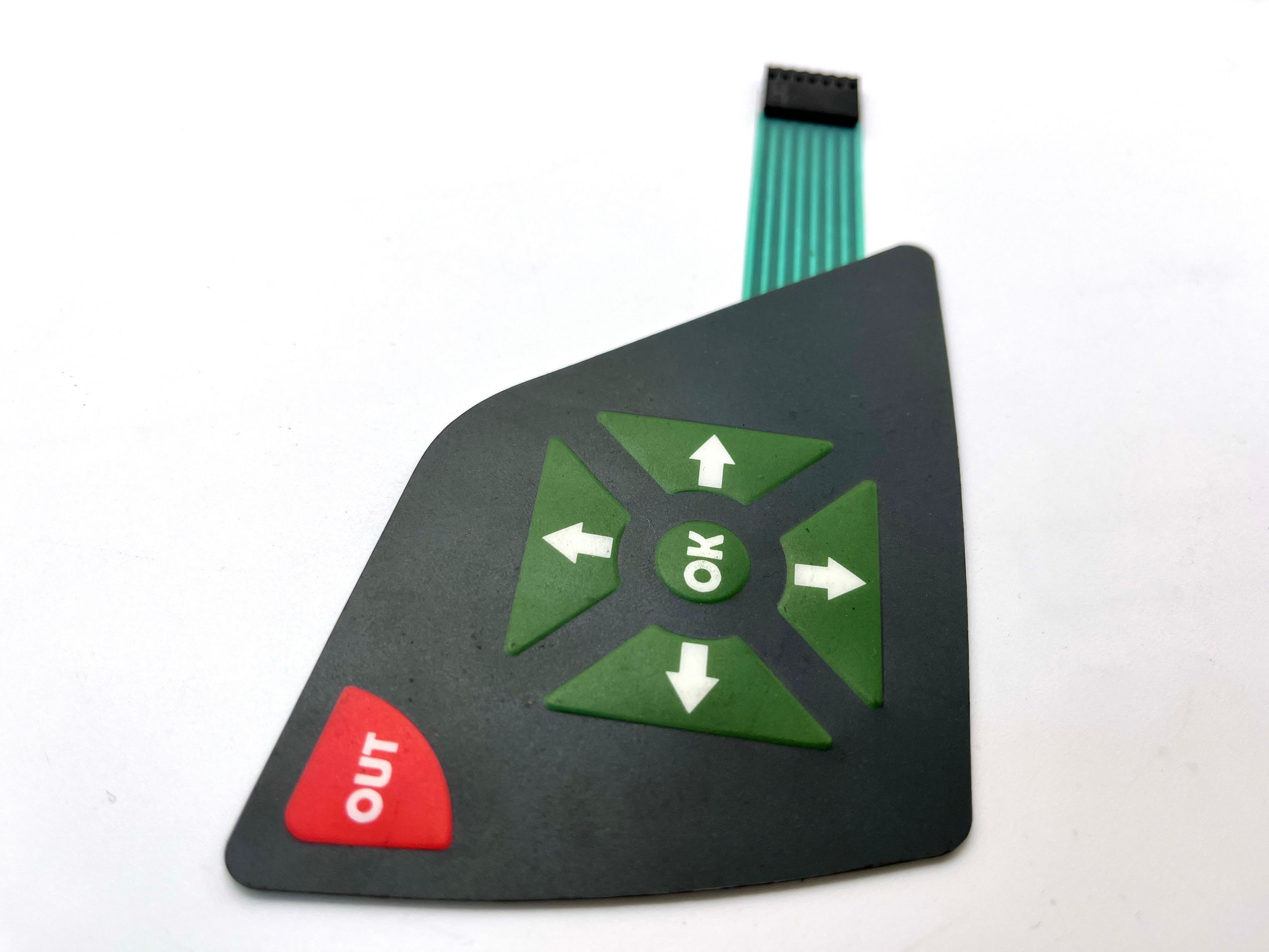
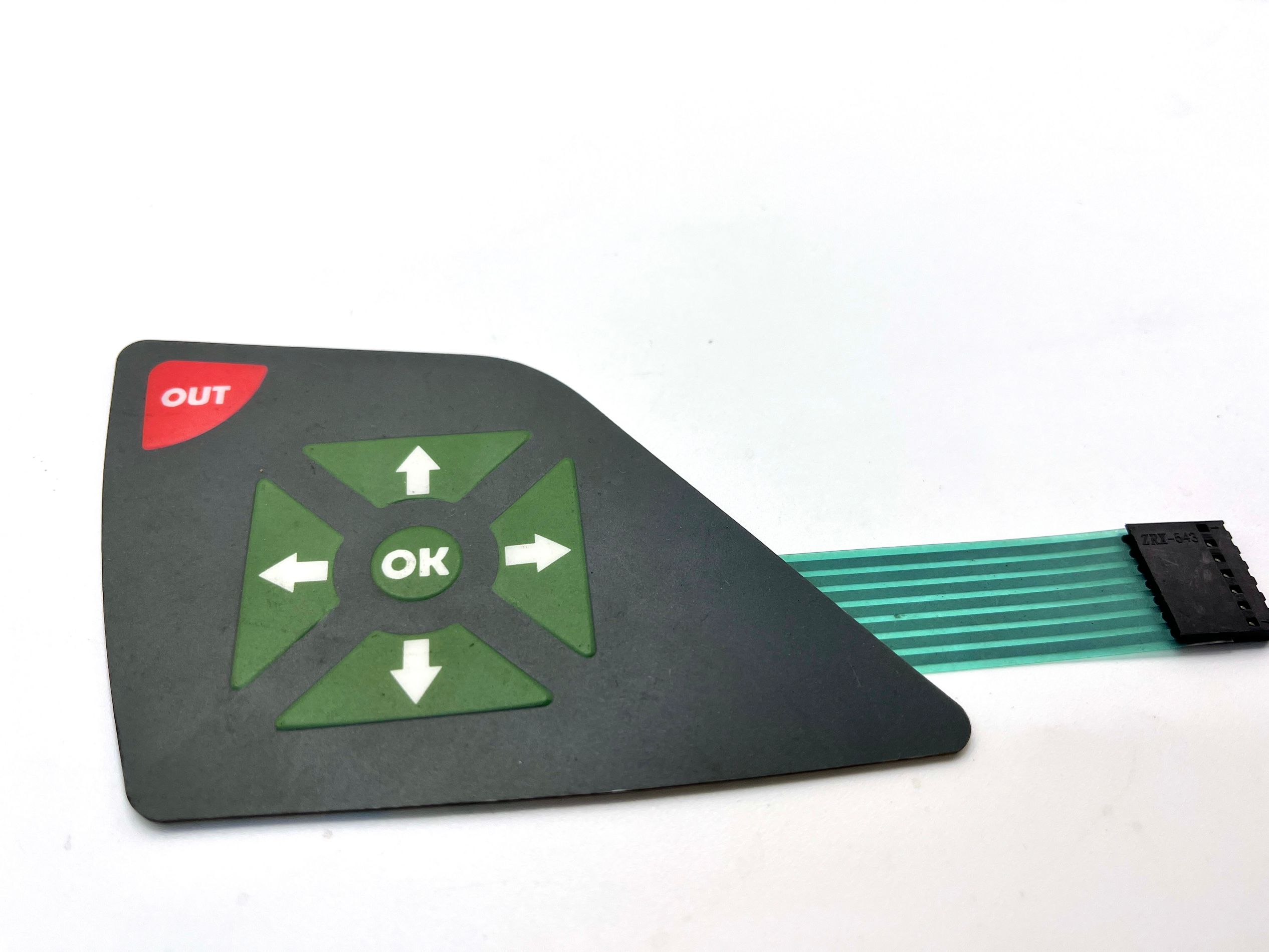
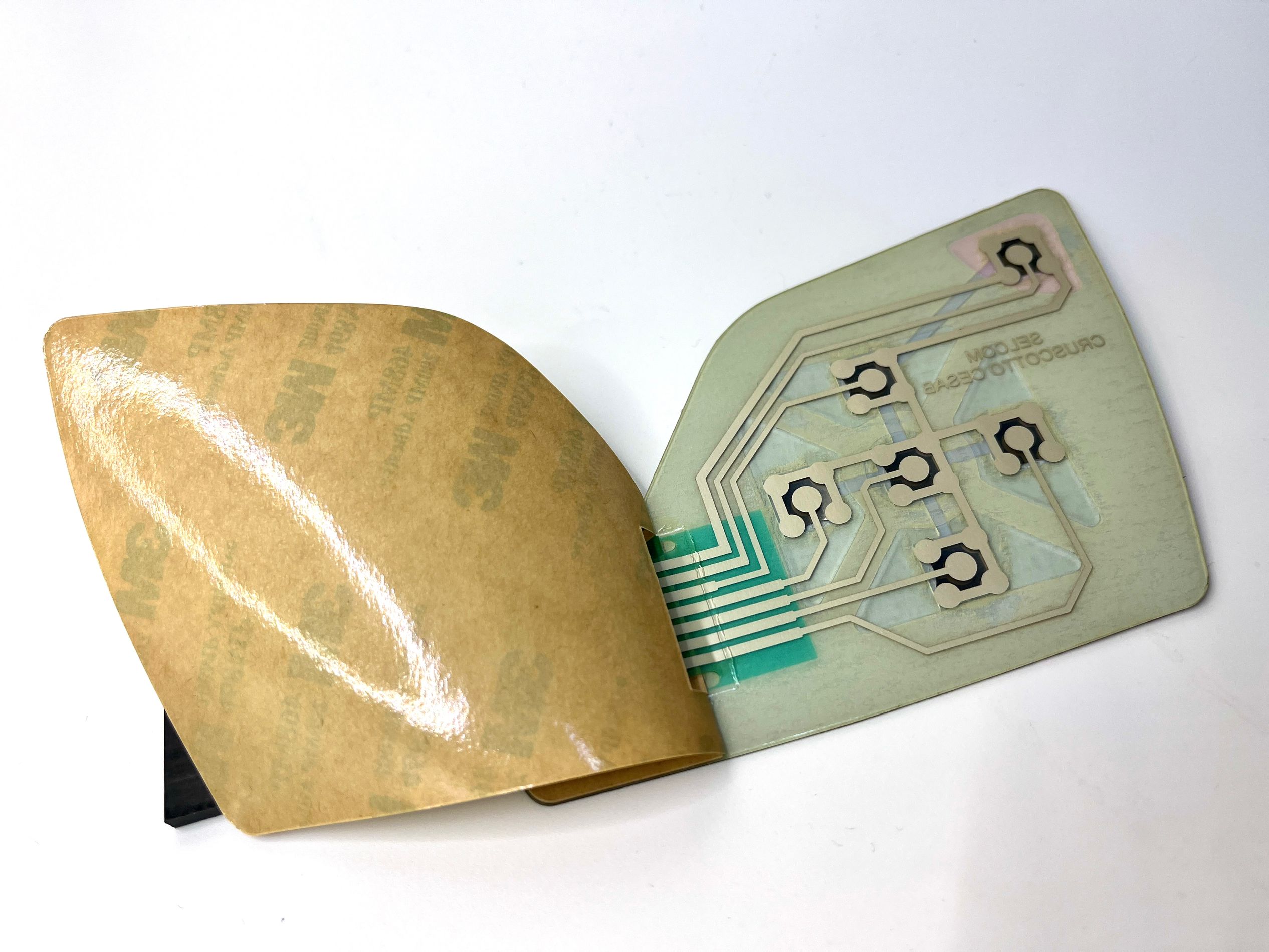
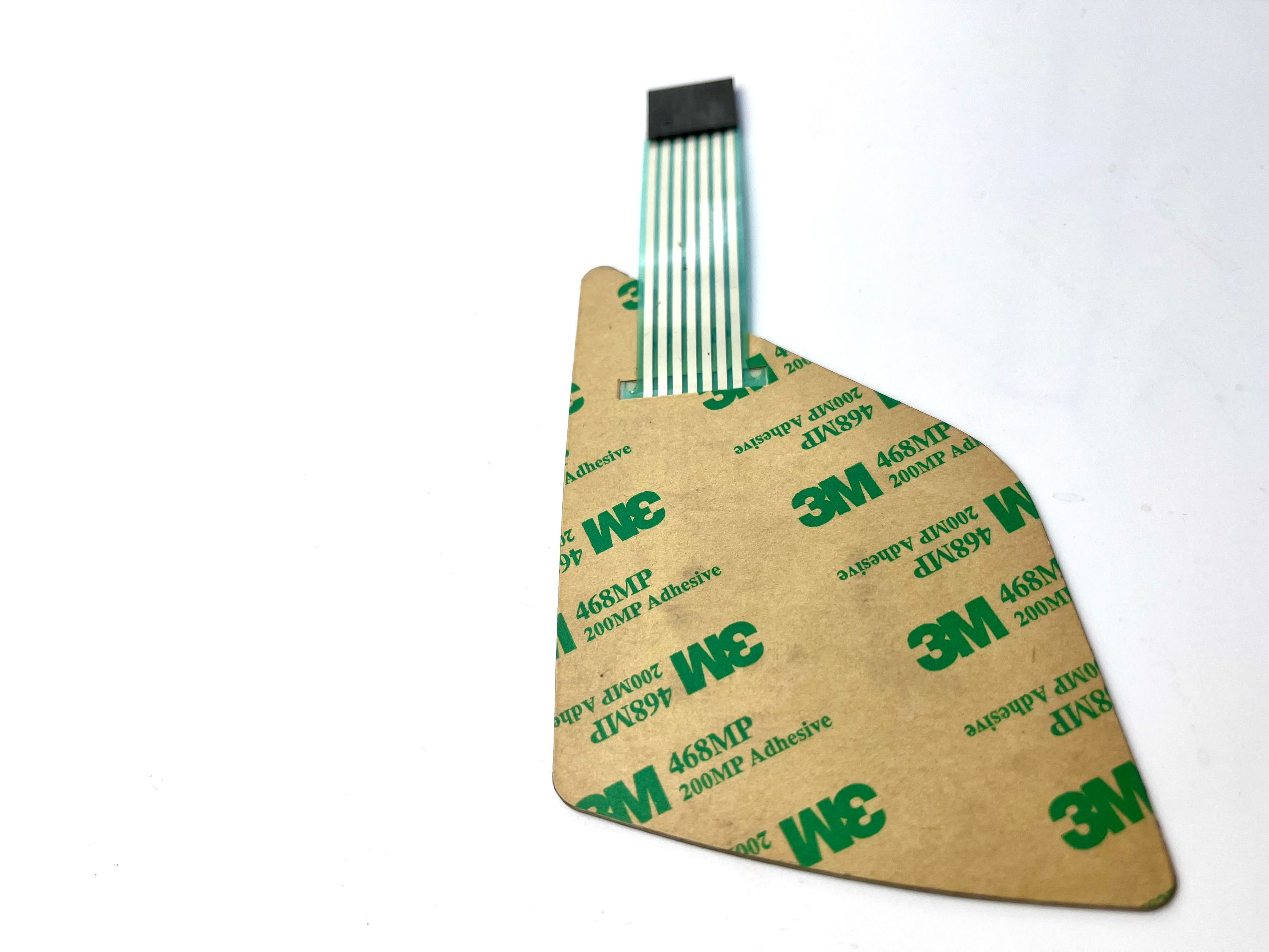

Custom Layout Tactile Membrane Switch With Control Panel Overlay Printing For Versatile Design Options
Considerations:
- Environmental Resistance: Choose materials that can withstand the specific conditions of the operating environment
- Visibility: Ensure text and icons are legible against the background.
- Touch Sensitivity: If applicable, make sure the overlay does not affect touch controls.
Steps for Overlay Printing on Control Panels:
Choose the Material:
- Select a suitable overlay material, such as polycarbonate or polyester, which offers durability and flexibility.
Printing Method:
- Use methods like screen printing, digital printing, or UV printing to transfer the design onto the overlay material.
Design the Overlay:
- Use graphic design software to create the layout, incorporating all necessary labels and graphics.
Application:
- Clean the control panel surface and securely adhere the overlay, ensuring no bubbles or misalignments.
Testing:
- Check the functionality of buttons and switches to ensure the overlay does not interfere with operation.
Cutting and Finishing:
- Cut the overlay to fit the control panel precisely, and apply any finishes like laminates for added protection.
Specification:
1)Material (for front or face overlay)
Polyester:
1.Highly versatile for embossing
2.Highly resistant to chemicals
3.Better durability
4.For internal and external use, UV resistance
Polycarbonate:
1.Different surface(Glossy, Matt) and thickness(From 0.12mm~2mm)
2. cost-effective in price
3.For internal and external use
2) Embossing
Rim embossing/pillow embossing/dimple embossing
Graphic overlays can be embossed in order to insert domes/LED, leave space for mechanical keys/LED and provide tactile indications and better tactile feeling.
3)Windows(for display function)
1. print different colors windows, As transparent grey/Red/green window for display
2. Clear/Transparent window for LCD display
2. Matt/semi-transparent window for LED
4)Keys/buttons
Tactile keys---with metal dome or poly dome
Non-tactile--silver printing dots with flat key
5) Embeded LEDs
Small, brilliant lights only about 0.02’’ in height. Avaliable in several vibrant colors.
LED colors: white, yellow, orange, green, red, or double colors LED.
6)Cable
It is an extension of the printed circuit and is used to communicate with your device.
7)Types of connector
1.Zero insertion force (ZIF) connector; 2.Female connector; 3.male connector
8) EMI / RFI / ESD Shielding
use an aluminum foil shielding / a clear ITO electrical conductive polyester
9)Adhesive
mostly used are 3M-double-side glue
10)Backplate-
in aluminum, polycarbonate, acrylic, PCB

