
Essential details
MOQ:100
Shipping:Express Delivery
Specification Number:custom design
Product Introduction
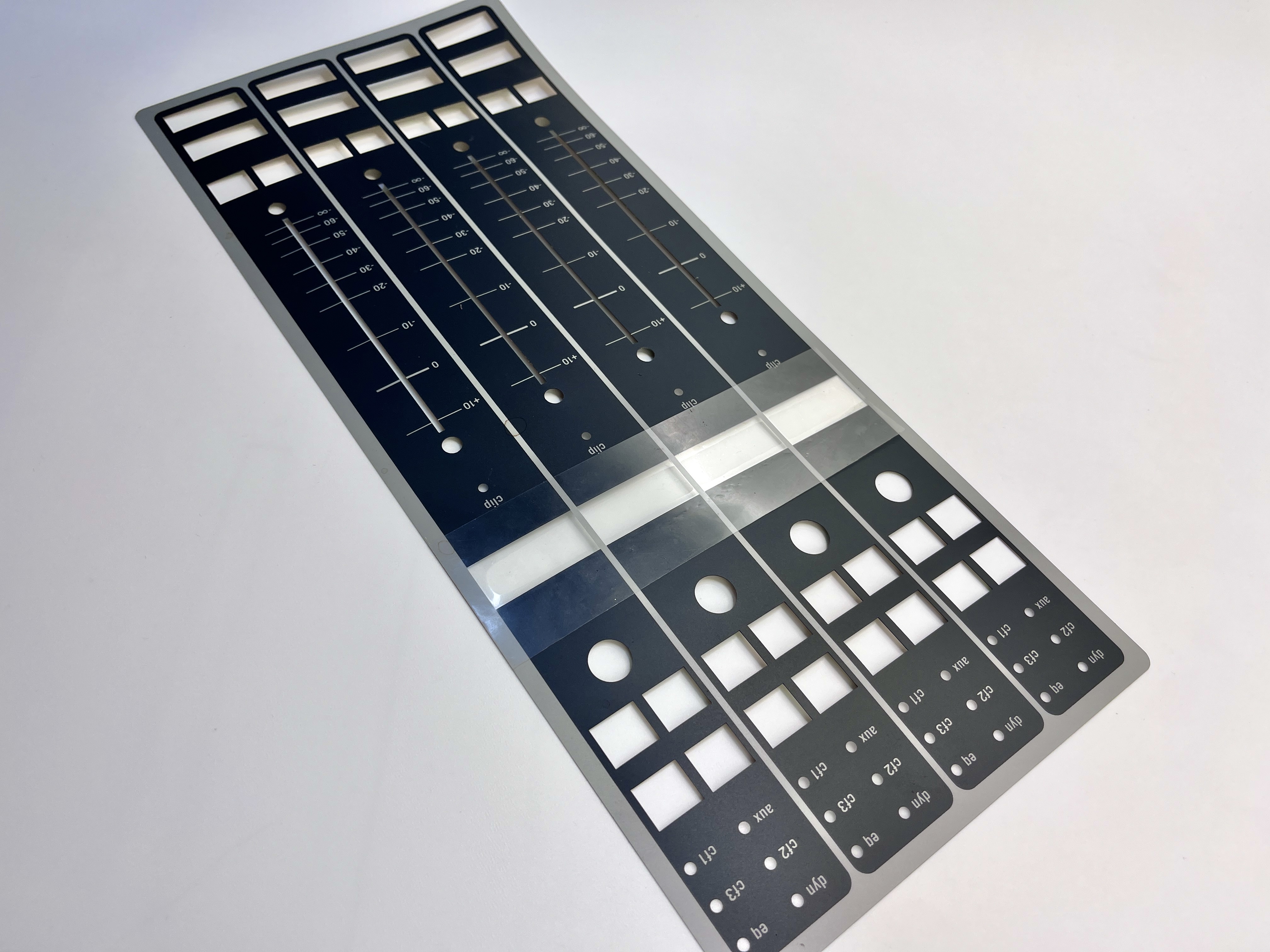
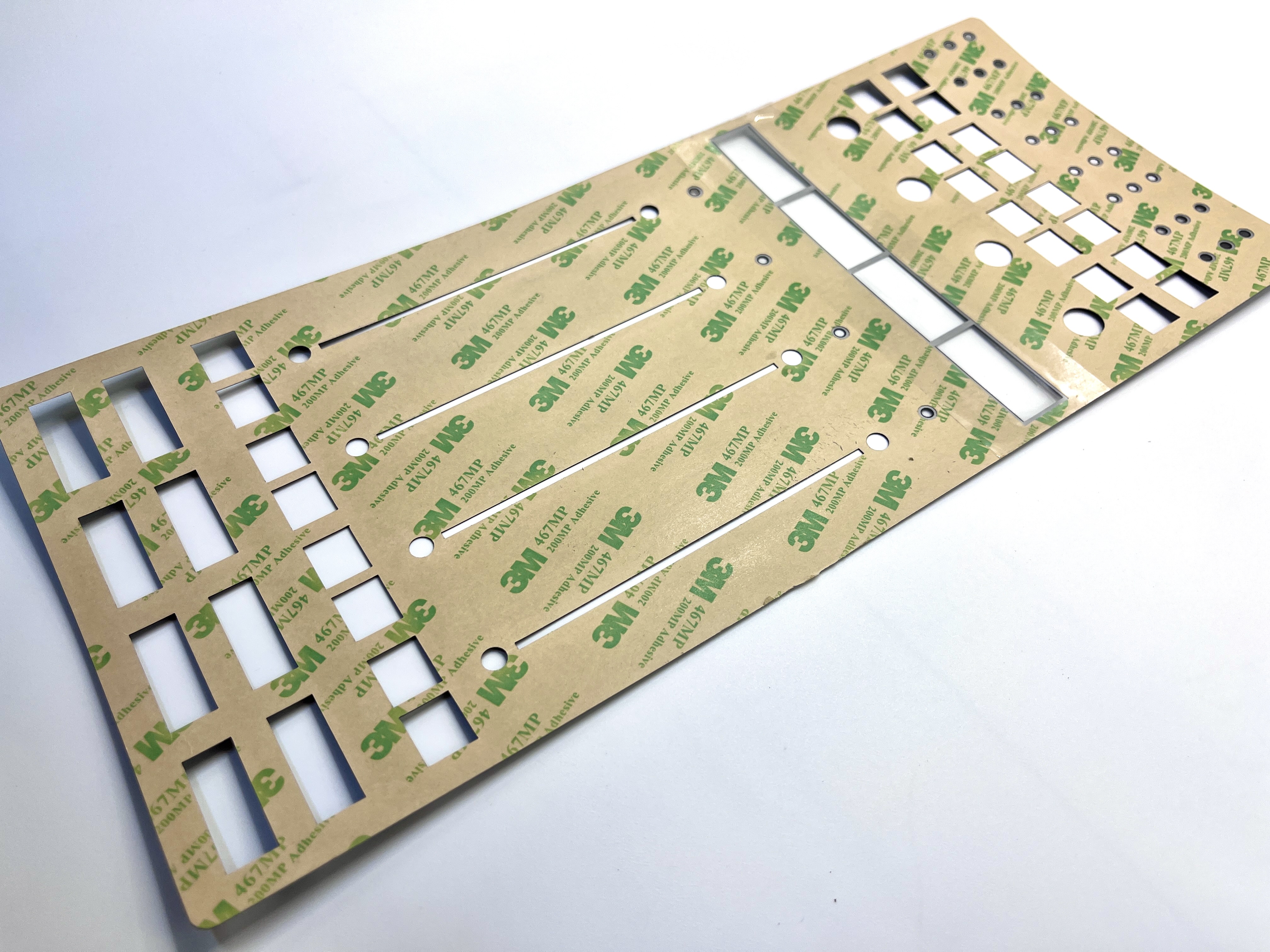
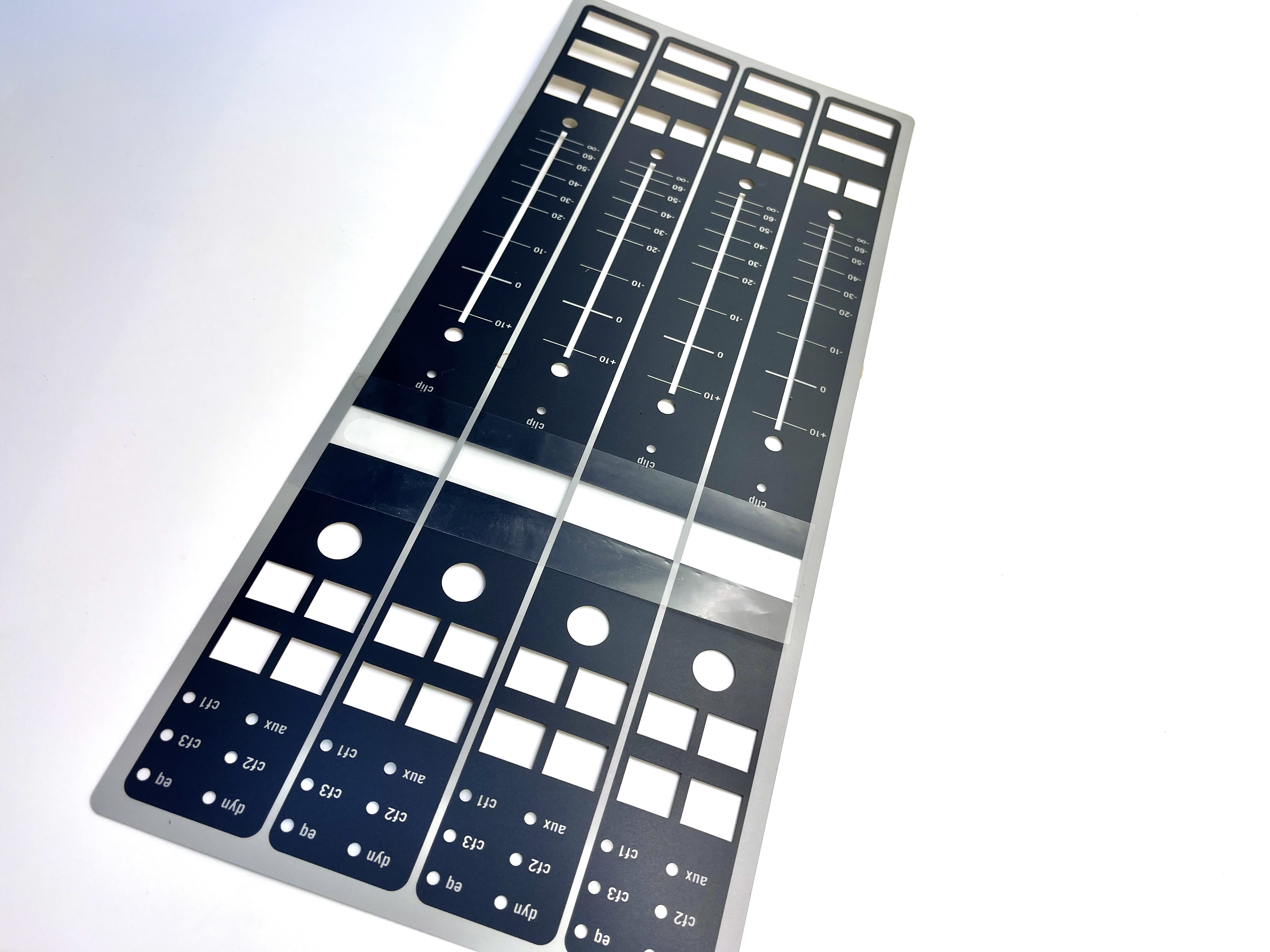
Texture Finish Polyester MS500 Side Labels For Audio Enehencement Teacher Mircophone Device
Let's discuss the important considerations for labeling the buttons and features on a teacher's microphone device with a membrane keypad interface:
Intuitive Icon and Text Labels:
- Use a combination of clear, recognizable icons and concise text labels to represent the various functions of the microphone.
- This ensures the controls are easy to understand and interpret, even for teachers who may not be tech-savvy.
Large, High-Contrast Labeling:
- Make the button labels and text large and easy to read, with a high-contrast color scheme (e.g., dark text on a light background or vice versa).
- This improves visibility and legibility, especially in a classroom setting where the teacher may need to quickly identify and use the different controls.
Braille Integration (Optional):
- Consider incorporating braille labels or tactile cues alongside the visual labels to enable inclusive use by visually impaired teachers.
- This ensures all users can easily identify and operate the microphone's functions.
Durable and Scratch-Resistant:
- The button labels and overall membrane keypad design should be highly durable and scratch-resistant to maintain their legibility and visual appeal over extended periods of use.
- This is especially important in an educational environment where the microphone may be subject to frequent handling and potential wear and tear.
Logical Button Grouping:
- Organize the button labels in a clear, logical manner, with similar functions grouped together.
- This helps teachers quickly locate and associate the different controls, reducing the learning curve and ensuring efficient operation.
Customization Options:
- Offer customization options that allow schools or districts to incorporate their branding, colors, or logos into the button labeling and overall device design.
- This can help reinforce the school's identity and make the microphone feel more integrated into the classroom environment.
Accessibility Considerations:
- Ensure the microphone's overall design, including the membrane keypad, is accessible and user-friendly for teachers with various needs, such as those with physical, visual, or cognitive impairments.
- This may involve features like adjustable button sensitivity, voice command integration, or compatibility with assistive technologies.
By incorporating these design elements, the labels and overall interface of a teacher's microphone device can provide a highly intuitive, durable, and accessible experience, enabling educators to effectively utilize the device during lessons and presentations.

